
Text to Video AI Generator
Describe a shot in plain words and generate a 5-10 second video with audio. Pick a model, refine the prompt, and download the clip - no timeline editing.
Direct the frame. Choose the engine.
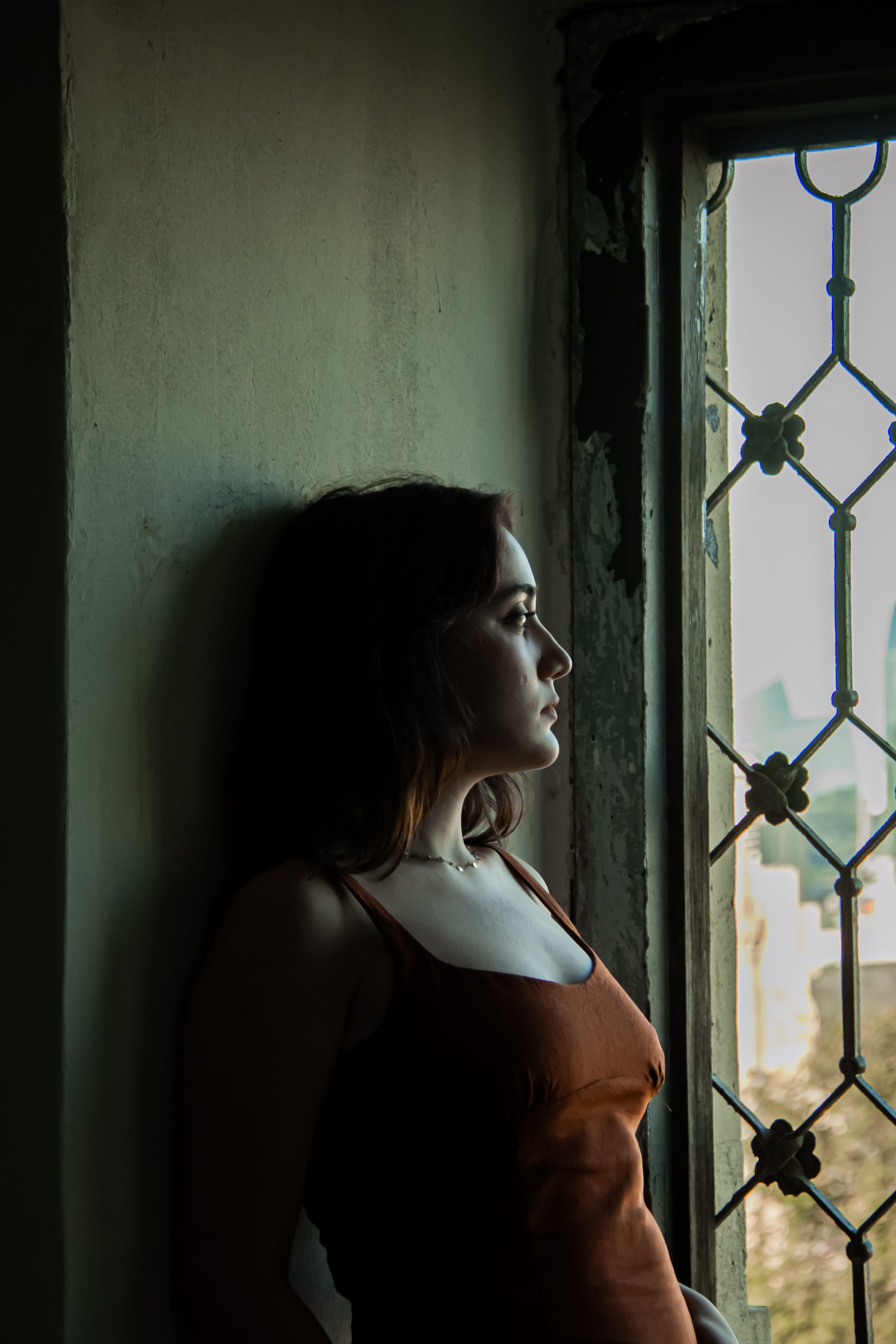 i2v-portrait.jpgUpload first frame
Examples
Generate Videos from Text Prompts
Write what you want to see - subject, action, camera, light - and iiss generates a short cinematic clip with sound. Multiple models let you trade speed for detail on every generation.
Real Text-to-Video AI Examples
Every example below was generated on iiss from a single text prompt.
Create an 8-second vertical 9:16 luxury perfume commercial in one continuous cinematic shot. A sculptural transparent perfume bottle filled with warm amber liquid stands on a polished black obsidian pedestal in a dark studio. A narrow golden beam slowly sweeps across the bottle, revealing precise glass reflections and the liquid inside. Fine atmospheric mist drifts gently behind it as the camera makes a slow, controlled push-in. Add a delicate glass chime, no voiceover, no music. No readable label, no logos, no scene cuts.
Create an 8-second vertical 9:16 cinematic ASMR video in one continuous macro shot. A translucent ruby-red glass strawberry rests on a matte black cutting board under soft studio lighting. A polished kitchen knife slowly makes one clean slice through the strawberry, revealing tiny jewel-like glass seeds and refracting red crystal layers. Include crisp, delicate slicing sounds and a subtle crystalline crackle synchronized with the cut. No flying shards, no speech, no music, no text, no scene cuts.
Create an 8-second vertical 9:16 cinematic horror video in one continuous shot. The camera slowly moves forward down an abandoned hospital corridor at night. Old fluorescent lights flicker overhead, peeling paint and dusty doors line the hallway, and a thin layer of mist hangs near the floor. Behind a frosted glass door at the far end, a tall human-like silhouette briefly crosses from left to right, then disappears. Add a faint electrical hum, slow footsteps, and one distant metallic door click. No gore, no jump cuts.
Cinematic aerial shot flying slowly over a foggy city skyline at dawn, the camera gliding forward between glass towers as the first sunlight breaks through the haze, distant traffic hum and soft wind, one continuous shot, no text, no logos.
video.t2v.motion_title
video.t2v.motion_body
video.t2v.product_title
video.t2v.product_body
How to Write Better Video Prompts
Name the subject and the action, add one camera move, one lighting mood, and the sound you expect. One shot per prompt works best.
An 8-second vertical luxury perfume commercial: a transparent bottle on black obsidian, a golden beam sweeps across as mist drifts, slow push-in, delicate glass chime. No text, no logos.
8-second macro ASMR: a translucent ruby-glass strawberry sliced cleanly on a black board, jeweled seeds revealed, crisp slicing sound and crystalline crackle. One continuous shot.
Slow dolly down an abandoned hospital corridor at night, flickering fluorescents, thin mist, a silhouette crossing behind frosted glass, electrical hum and a distant door click.
Text-to-Video vs. Image-to-Video
Start from text when you are exploring what a scene could look like. Start from an image when a specific look must stay consistent. Both modes are included in iiss.
Text to Video AI FAQ
What is text to video AI?
Text-to-video AI generates a short video from a written description. You describe the subject, action, camera, and mood; the model renders a 5-10 second clip with synchronized audio.
Do the videos have sound?
Yes. iiss clips come with generated, synchronized audio - ambience, sound effects, and texture matched to the action on screen.
How long are the clips?
5-10 seconds, as a single continuous shot. That is long enough for social clips, ads, and B-roll, and short enough to iterate quickly.
Can I start from a photo instead?
Yes - upload a reference image in the generator to keep a specific look consistent. See the Image to Video page for how that workflow differs.
Describe your first video
One prompt, one clip, with audio. Iterate until it is right, then download and share.
Generate a Text to Video