
Image to Video AI Generator
Upload a photo or reference image, describe the motion, and generate a 5-10 second clip with audio. Animate products, portraits, landscapes, and interiors - no timeline editing.
Direct the frame. Choose the engine.
 i2v-portrait.jpgUpload first frame
Examples
Generate Videos from Images with AI
iiss turns a still image into a moving shot. Drop in a product photo, a portrait, or a rendered scene, write what should happen, and pick a video model. You get a short cinematic clip with synchronized audio you can watch, download, and share.
Image to Video AI Examples
Every example below was generated on iiss from a single reference image and a one-line motion prompt.
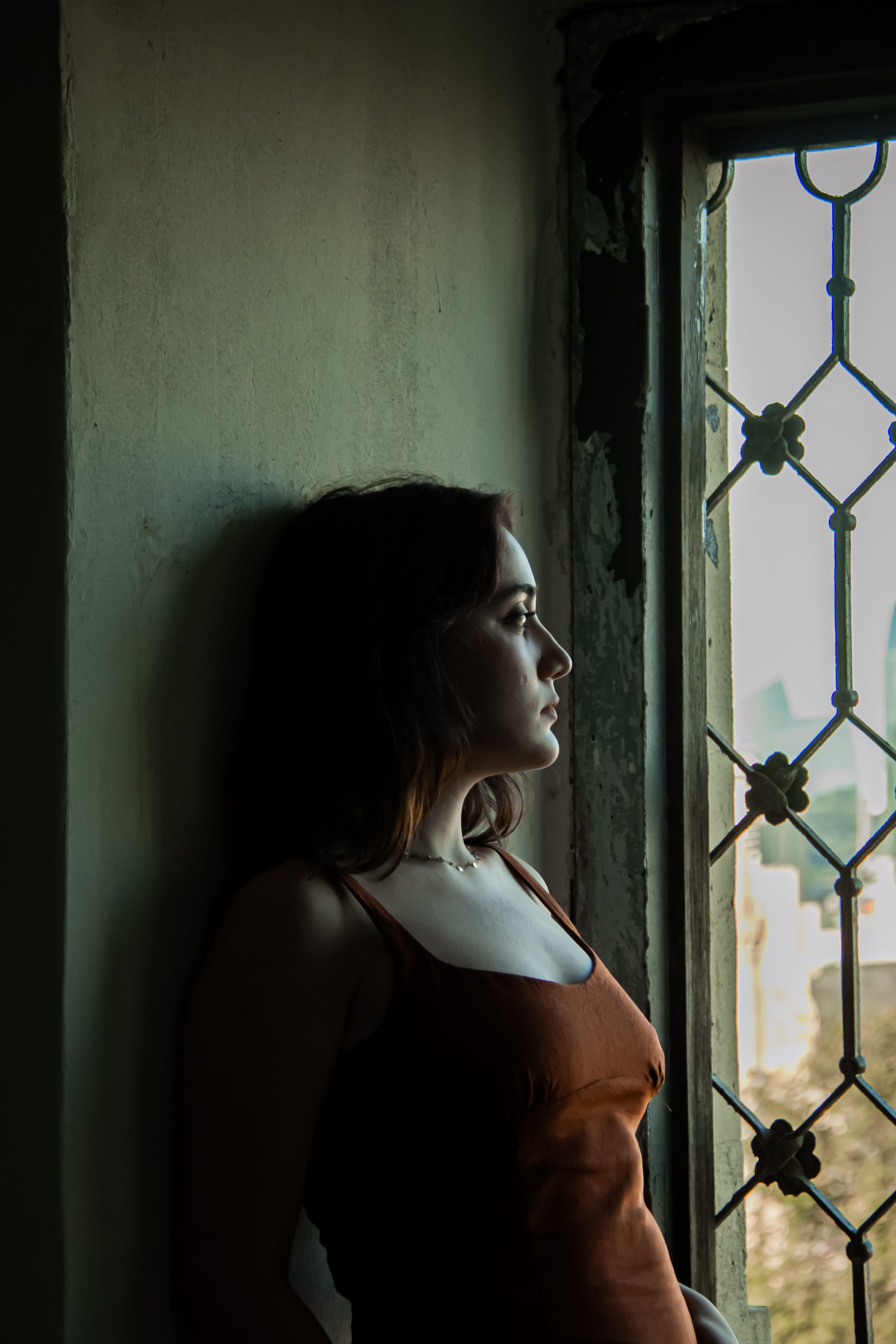
Slow cinematic push-in on the woman in the uploaded portrait photo. She turns her head gently toward the soft window light, hair moves slightly in a light breeze, shallow depth of field, quiet room ambience. Keep her face, dress, necklace, and the background exactly as in the reference image.

Animate the product in the uploaded image: a slow 15-degree orbit around the amber serum bottle, a warm highlight sweeping across the glass, fine dust motes drifting through the light beam, gentle bokeh shimmer in the dark background. Preserve the exact bottle, dropper, label, wooden surface, and colors from the reference.
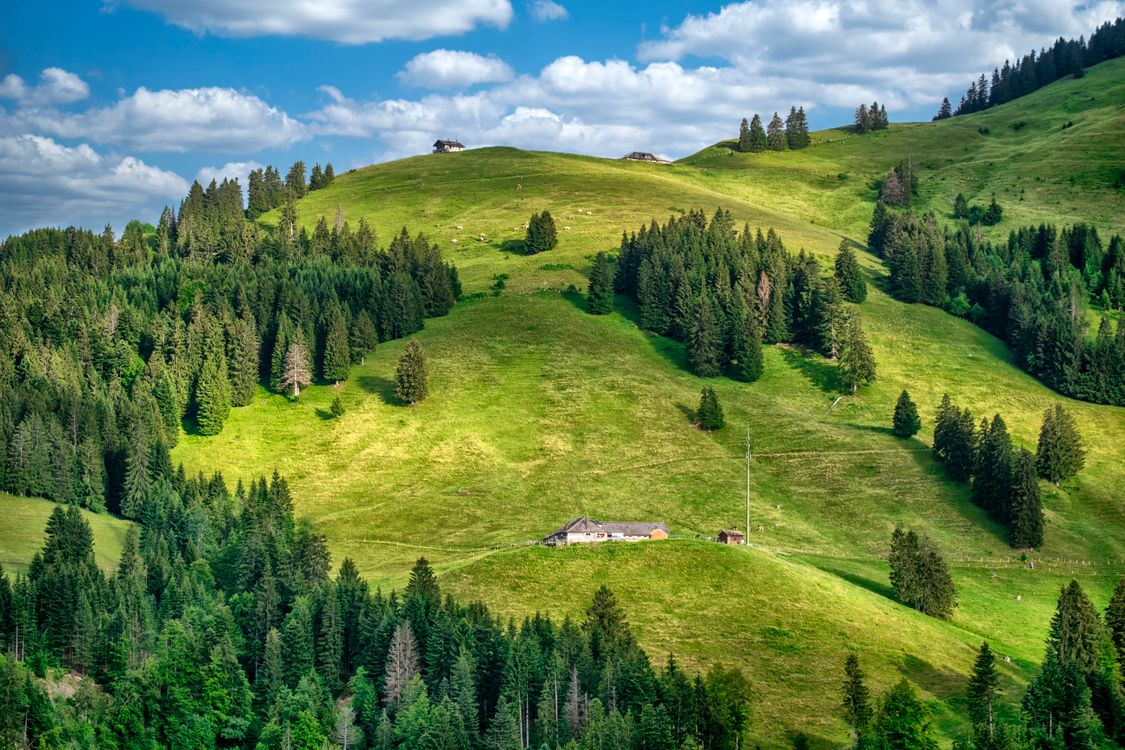
Add gentle parallax and drifting clouds to the uploaded landscape. Grass sways in the breeze, light shifts across the hills, distant birds cross the sky, natural ambient sound. Keep the terrain, trees, and sky composition unchanged.
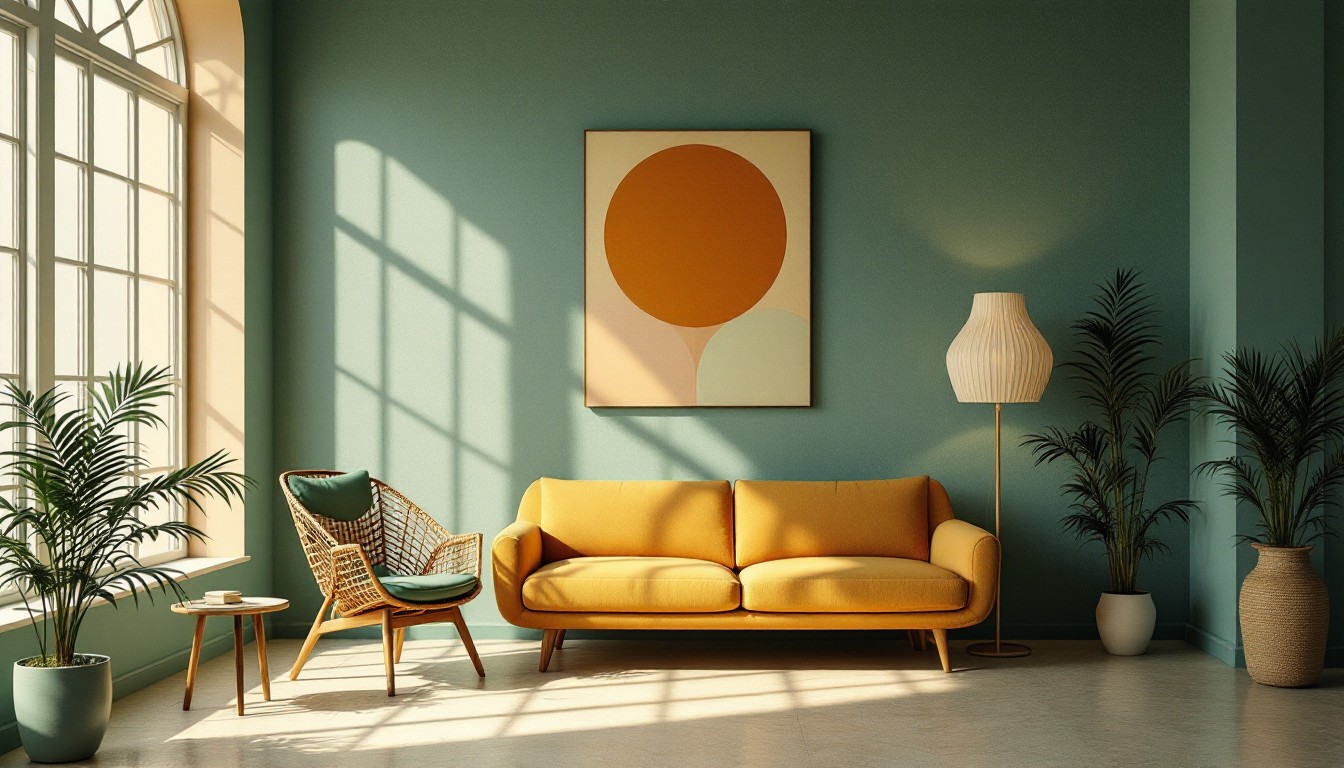
Slow reveal of the room in the uploaded interior photo: the camera glides gently forward through the space, sunlight through the arched window shifts softly across the wall, plant leaves sway lightly, calm room ambience. Keep the furniture, colors, artwork, and geometry exactly as in the reference.
Animate Photos with Natural Motion
Describe camera moves (slow push-in, orbit, pan), subject motion (hair in the wind, steam rising, a car driving off), and mood. The model keeps the original composition while adding believable motion and sound.
Create Short Videos from Product Images
Turn a single packshot into a 5-10 second commercial-style clip: a rotating product, drifting mist, a sweep of light. Reference images keep packaging, colors, and proportions consistent.
How to Write Better Image-to-Video Prompts
Start from the uploaded image, then describe only what should move and how. Keep it to one subject, one camera move, and one mood.
Slow cinematic push-in on the subject in the uploaded image. Subtle facial movement, soft window light, shallow depth of field, quiet room ambience.
Animate the product from the uploaded image: a slow 15-degree orbit with a controlled highlight sweeping across the surface, gentle background mist, clean studio look, soft glass chime.
Add gentle parallax and drifting clouds to the uploaded landscape, grass swaying in the breeze, distant birds, natural ambient sound.
Text-to-Video vs. Image-to-Video
Use image-to-video when a specific look must stay consistent - a real product, a character, a rendered interior. Use text-to-video when you are exploring ideas from scratch. Both are included in iiss.
Image to Video AI FAQ
What is image to video AI?
Image-to-video AI animates a still picture into a short video clip. You upload a reference image and describe the motion; the model generates a 5-10 second clip with audio while preserving the look of the original image.
What kinds of images work best?
Clean, well-lit images with a clear subject work best: product shots, portraits, illustrations, renders, and landscapes. Because the video starts from your image, you keep control of the composition.
How long are the videos?
Clips are 5-10 seconds - single continuous shots with synchronized audio, ready to download or share.
Can I keep my product packaging consistent?
Upload your product photo as the reference image and describe only camera movement, lighting, and atmosphere. Review the result and regenerate as needed - expect to iterate for the best take.
Animate your first image
Upload a photo, describe the motion, and generate a clip with audio in minutes.
Generate an Image to Video