
AI B-roll Generator
Create a single 5–10 second shot with audio from a text prompt or reference image—ready to cut into your video.
Direct the frame. Choose the engine.
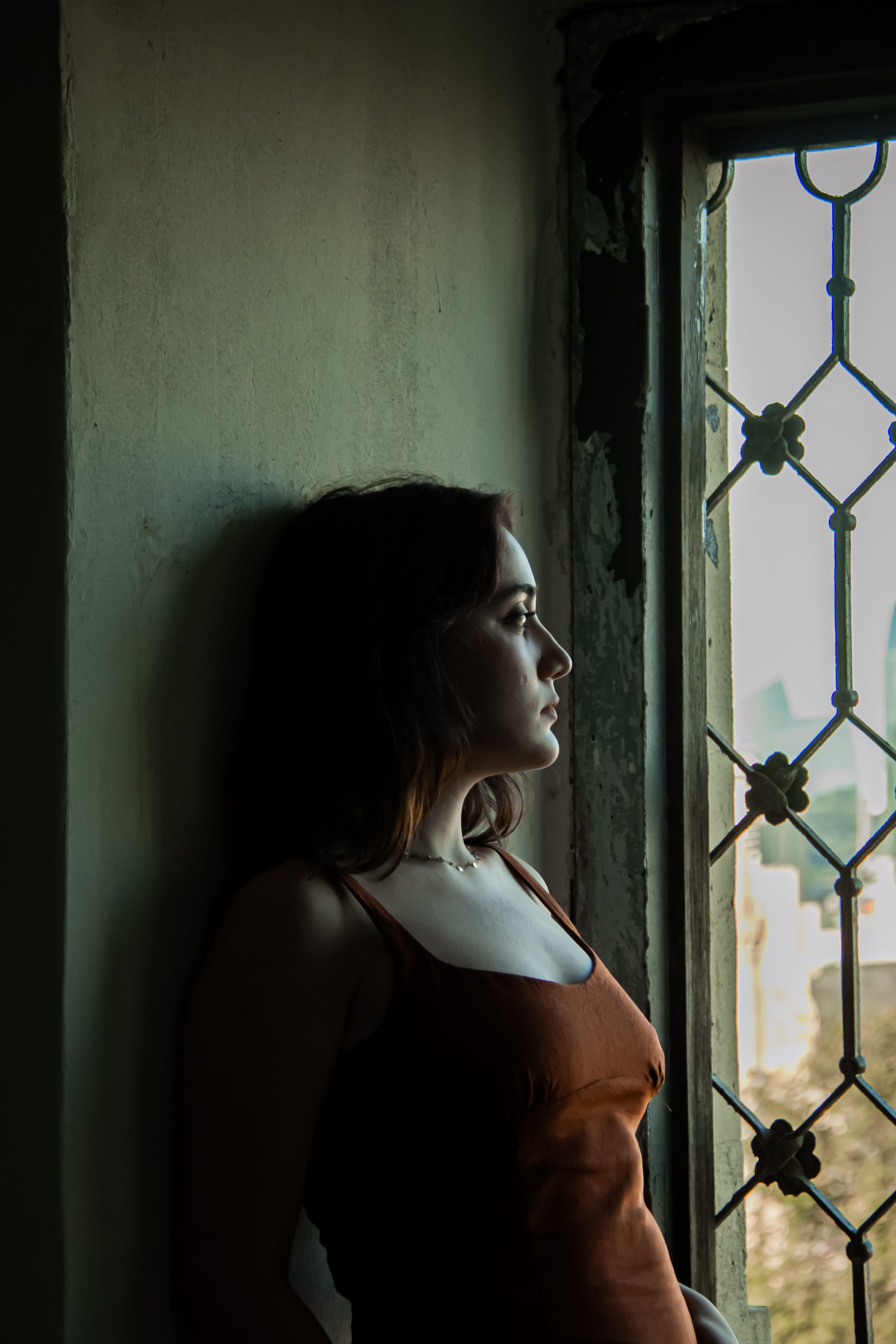 i2v-portrait.jpgUpload first frame
Examples
Generate Short B-roll Clips with AI
Describe one supplemental shot—its subject, motion, camera move, lighting, and sound. iiss creates a short continuous clip you can review, download, and cut into your finished video.
AI B-roll Examples
Explore four planned B-roll examples. Video previews will appear here as the clips are generated and reviewed on iiss.
Create an 8-second horizontal 16:9 commercial B-roll clip in one continuous shot. A premium amber glass serum bottle sits on a pale travertine pedestal. The camera slowly pushes in as a narrow beam of morning light travels across the glass and a few water droplets catch the highlights. Add subtle studio room tone and a delicate glass chime. Keep the bottle shape stable; no readable text, no logos, no hands, no cuts, no voiceover, no music. End on a clean product detail shot.
Create an 8-second horizontal 16:9 nature B-roll clip in one continuous low tracking shot along coastal dune grass moving gently in the sea breeze. Soft waves roll in the background and late-afternoon light glints on the water. Add natural wind, distant surf, and faint seabirds. Keep camera movement smooth and realistic; no people, no text, no music, no scene cuts.
Create an 8-second horizontal 16:9 urban B-roll shot in one continuous lateral tracking move along a rain-soaked downtown crosswalk at blue hour. Headlights glide across wet pavement and reflections shimmer in puddles; pedestrians remain distant and indistinct. Include soft traffic wash, light rain, and footsteps in the distance. No readable signs, no logos, no dialogue, no music, no cuts.
Create an 8-second horizontal 16:9 abstract texture B-roll clip in one continuous macro shot. Pearlescent ink slowly curls and diffuses through clear water, forming layered ribbons of deep teal, silver, and warm amber. The camera drifts gently sideways as tiny particles catch a soft studio light. Add delicate underwater bubbling and a subtle liquid swish, no voice, no music, no text, no logos, no cuts.
One Shot, One Clear Action
A useful B-roll prompt names the subject, a simple action, one camera move, a lighting mood, and the sound atmosphere. Keep each clip focused so it can sit naturally between your main shots.
5–10 Seconds, with Audio, Ready to Edit
Generate a single continuous shot with matching ambience or sound effects. Use it as a product detail, nature insert, city cutaway, or abstract visual in your finished edit. Review the actual motion and audio before publishing.
B-roll Prompts You Can Copy
Start with the subject and action, then add framing, one camera move, lighting, and a specific sound atmosphere. Each prompt below describes one short shot.
Create an 8-second horizontal 16:9 product B-roll shot: an amber serum bottle on pale stone, a slow push-in, morning light moving across the glass, soft room tone and a delicate glass chime. One continuous shot, no text or logos.
Create an 8-second horizontal 16:9 nature insert of coastal grass bending in the sea breeze, soft waves in the background, a smooth low tracking shot, natural wind and distant surf. One continuous shot, no text or music.
Create an 8-second horizontal 16:9 city cutaway at blue hour: rain-slick pavement reflecting passing headlights, a slow lateral camera move, soft traffic wash and light rain. One continuous shot, no readable signs or logos.
Animate a Reference Image for B-roll
If you already have a product photo, location still, or visual concept, use image-to-video to preserve the reference composition while adding motion and sound.
AI B-roll Generator FAQ
What is an AI B-roll generator?
An AI B-roll generator creates short supplemental video shots that can be cut into a larger edit. iiss focuses on individual 5–10 second clips, rather than assembling a complete multi-scene video.
How long are iiss B-roll clips?
iiss is designed for 5–10 second single continuous shots. The exact duration depends on the selected model and settings.
Do B-roll clips include audio?
Supported video models can generate audio with the clip. Sound varies with the prompt and model, so review the result before using it in a finished edit.
Can I turn a product photo into B-roll?
Yes. Upload a reference image in image-to-video mode and describe the camera movement, lighting, or environmental motion. Check the result for product and label consistency.
Create Your Next B-roll Shot
Describe one shot or upload a reference image, then generate a short clip with audio.
Generate B-roll